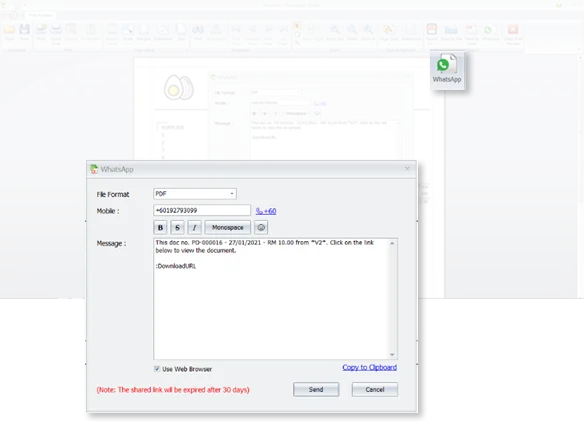
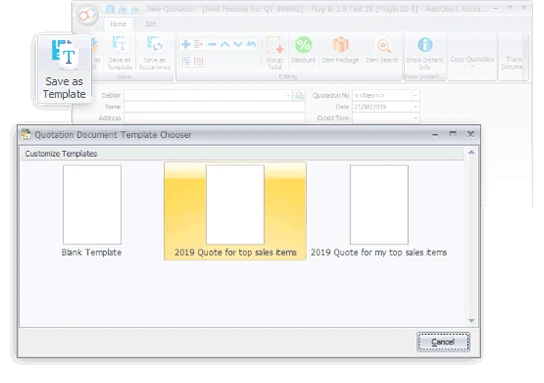
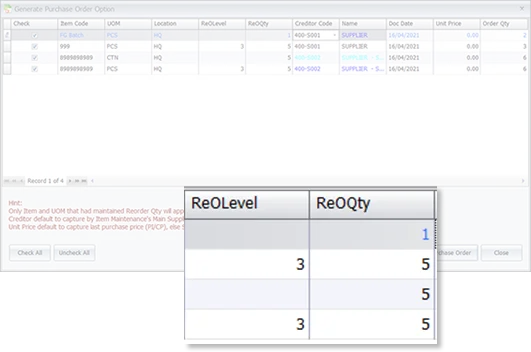
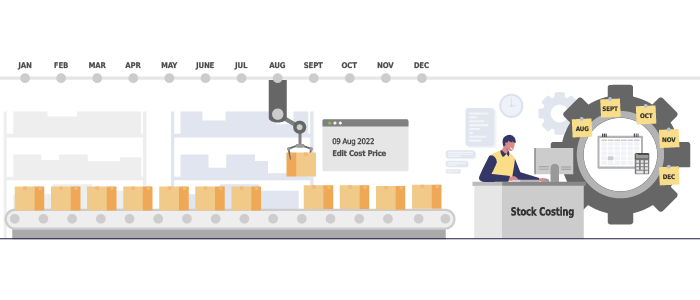
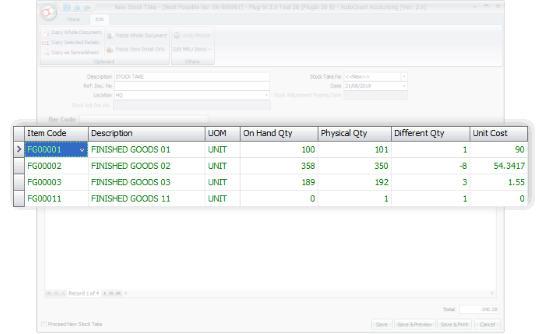
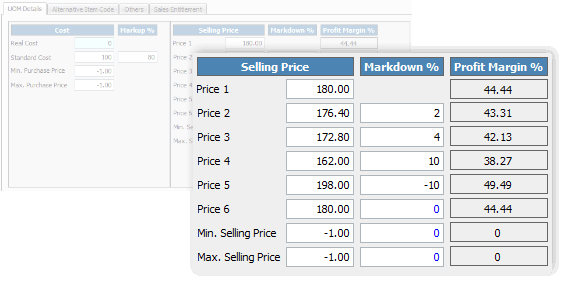
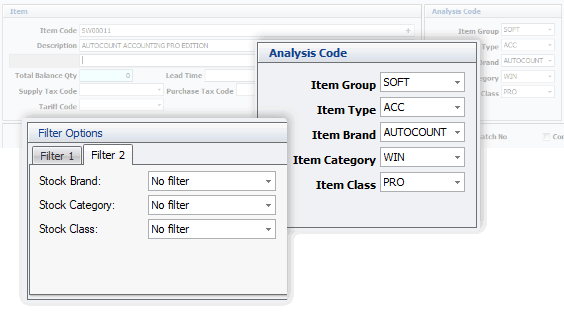
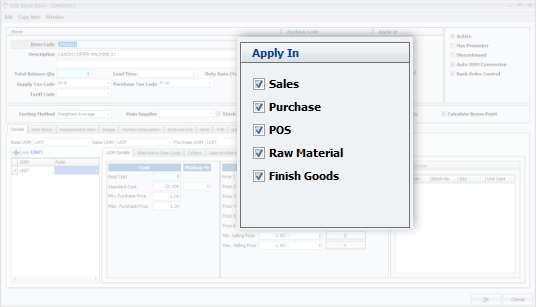
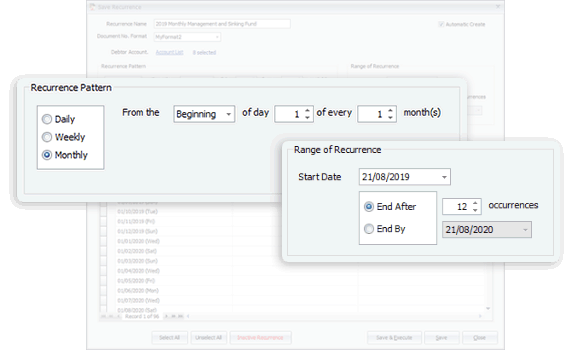
Create as many templates as you need for frequently used documents, and schedule all recurring transactions for future periods. Improve productivity and efficiency in daily routines with a few simple actions.
Compare to version 1.9, this version 2.0 is loaded with numerous enhancement and enrichment. Here are 5 most sought after features
Sometimes a tiny change, be it a change in habit or the tools, can make a big difference in the result. We looked into your requirements, even the tiniest one, hoping to offer greater working experience of convenience.
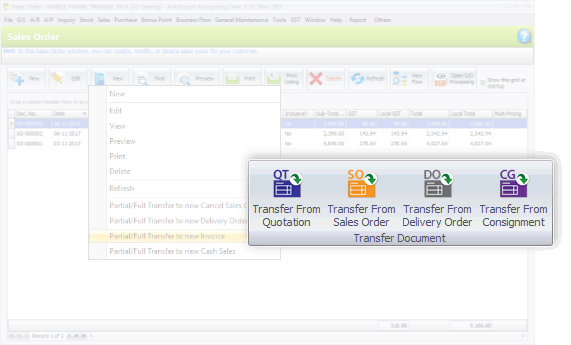
This version also emphasizes on better flows of recording, transaction and tracking. Special highlights are the process of consignment, deposit, purchasing, and related documents flow.
In conclusion, downloading and repacking Firehose for Oppo A3s CPH1803 is a crucial process that requires careful attention to detail. By following the steps outlined in this article, users and developers can unlock the full potential of their device, modify firmware, and even unbrick their device in case of emergencies. However, it is essential to exercise caution when using Firehose and to ensure that the correct versions of the tool and firmware files are used to avoid any potential risks.
. Repackaged versions often include custom loaders designed to bypass official Oppo authentication requirements. Flashing Tools: Commonly used tools include QFIL (Qualcomm Flash Image Loader) UnlockTool Qualcomm USB Drivers:
Repacking usually involves creating a package that can be flashed on the device. This often requires:
Disclaimer: Modifying device firmware via EDL mode and using repacked/patched binaries carries inherent risks. This information is intended for educational purposes and professional technicians. Proceed at your own risk.
Click and choose the COM port that shows “Qualcomm HS-USB QDLoader 9008”. If no device appears, re‑check the drivers.
This comprehensive guide will explain exactly what a Firehose programmer is, why the CPH1803 requires a repack version, how to download the correct file, step‑by‑step usage instructions, and critical safety warnings. By the end, you'll understand the entire process and be equipped to proceed—if you choose to take the risk.
If you can tell me you are trying to solve (e.g., hard bricked, FRP lock, pattern lock), I can tell you which tool is most recommended for this firehose file.
Bypassing forgotten pattern locks, PINs, or Google Factory Reset Protection (FRP) when standard resets fail.
If the phone is completely dead, remove the back cover and the logic board shield. Locate the two small gold contacts labeled as EDL test points. Use metal tweezers to short (bridge) these two points together while plugging the USB cable into the PC.
: Always look for official sources or reputable forums (like XDA Developers) where users share their experiences and provide links to necessary files. Be cautious and verify the authenticity and safety of any file before downloading.
Your PC must recognise the CPH1803 when it is in EDL mode. The device will appear as Qualcomm HS-USB QDLoader 9008 (COM port). Download the official Qualcomm drivers (e.g., qcusbser version 2.1.2.0).
A Firehose file (typically in .mbn or .elf format) serves as a communication bridge between your PC and the phone's storage chip while it is in .
: Before making any significant changes to your device's software, ensure you have backed up all important data.
Download QFIL (Qualcomm Flash Image Loader) , which is part of the QPST tool suite, or alternative tools like Miracle Box, MRT Key, or UnlockTool if you use premium hardware.
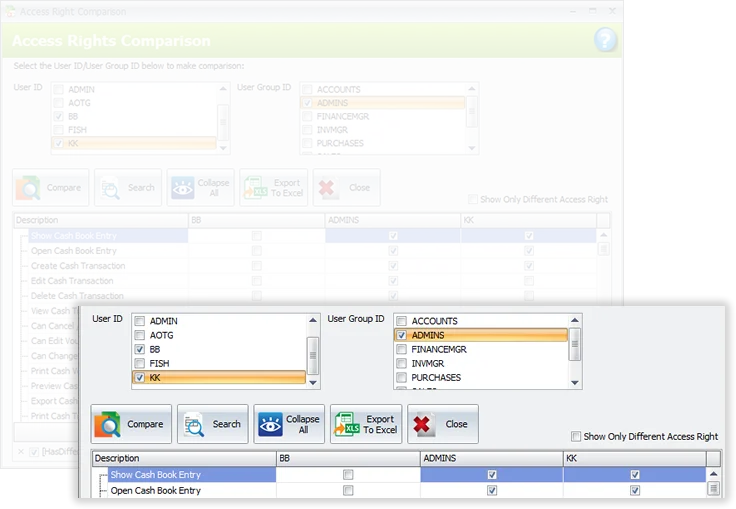
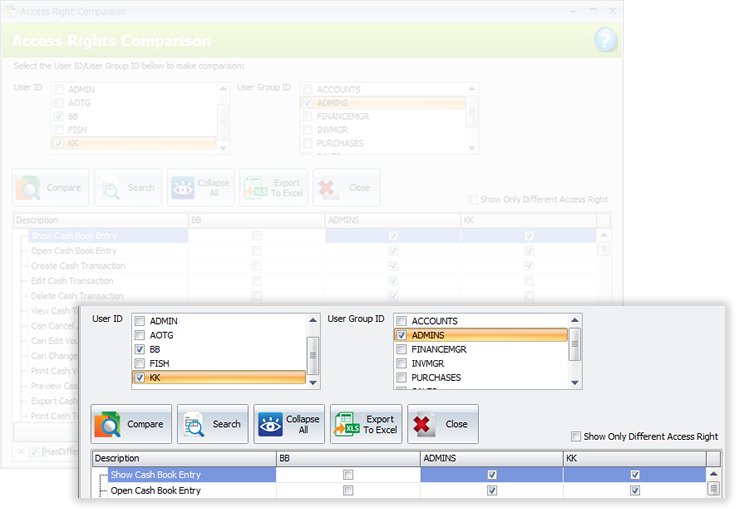
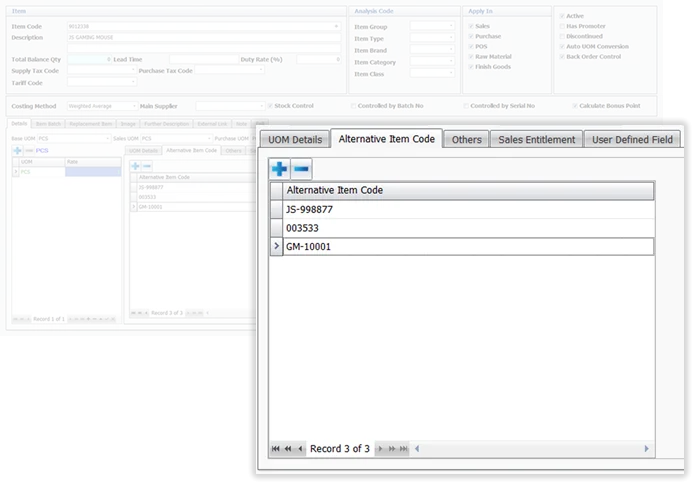
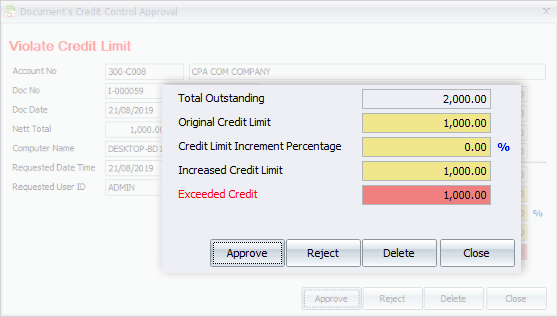
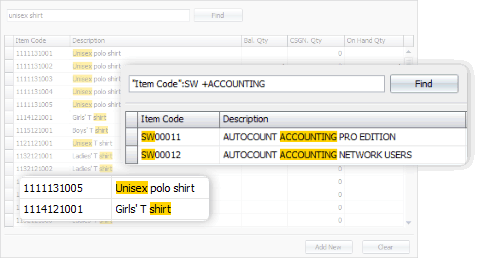
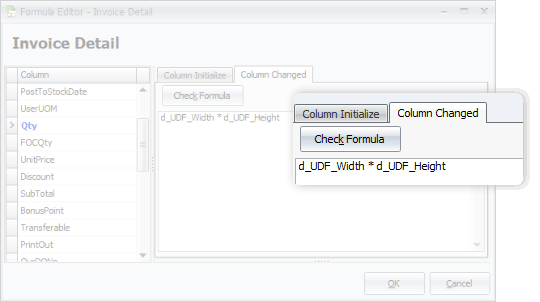
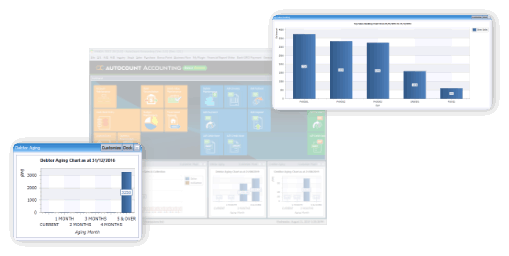
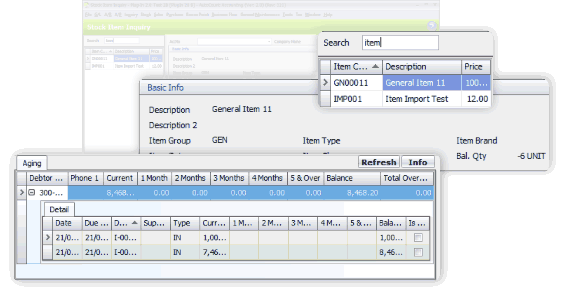
From general software users to advanced users, we offer more options in this software. This includes, among all, the Advanced Keyword Search, Stock Item Inquiry With Details, and Formula Editor.
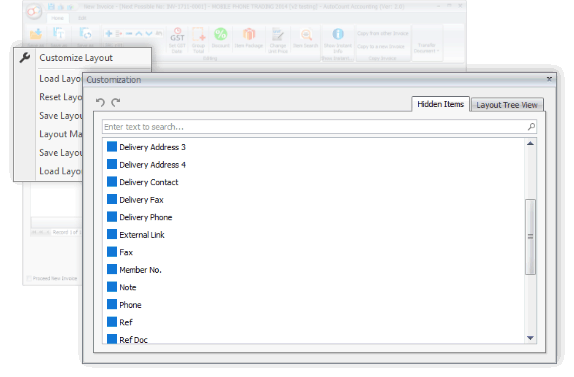
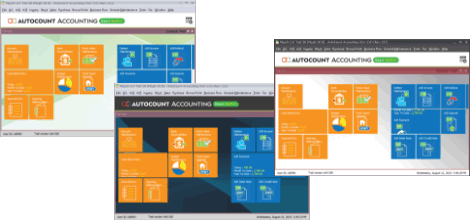
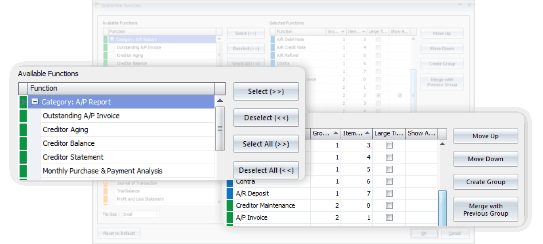
You may have some personal preferences when comes to colors, shortcuts and favorite functions. Every time you login, it appears as what you wanted it to be.

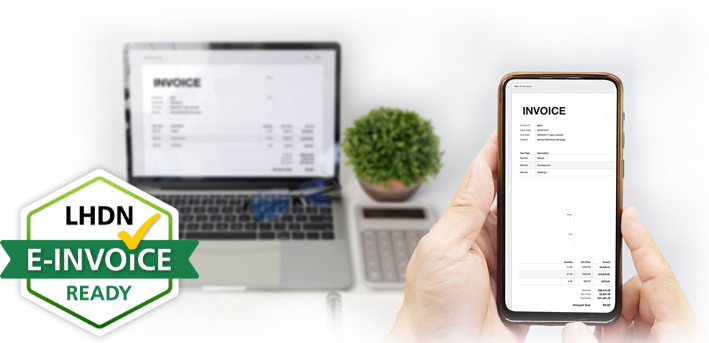
Generate, submit, process, and receive e-Invoice from LHDN MyInvois, boost efficiency, enhance accuracy, and ensure full compliance with LHDN regulations.
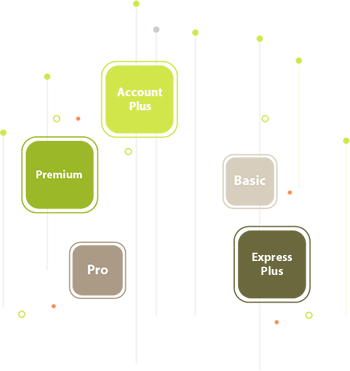
Learn MoreSelect from 5 Editions that were carefully packed to meet requirements of various types of business. Avoid paying for what you don't need. Should there is any module required but not included in your selected Edition, just request to add it on.
Compare Editions
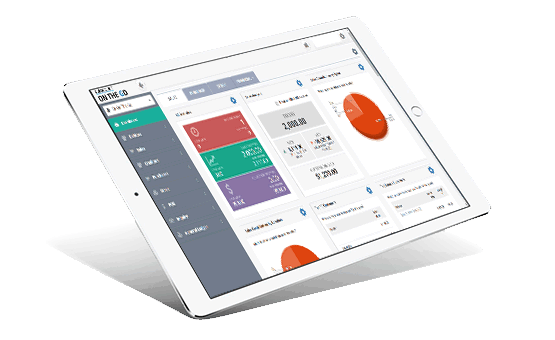
With AutoCount On-The-Go, your business go on cloud at ease. It is the 1st Hybrid Cloud Accounting in Malaysia
Learn MoreAll our user setup video guide materials has been broken down into digestible chunks and you can learn at your own pace. These videos contain everything you need to know to get started with AutoCount Accounting. Enjoy!
Discover our other popular software